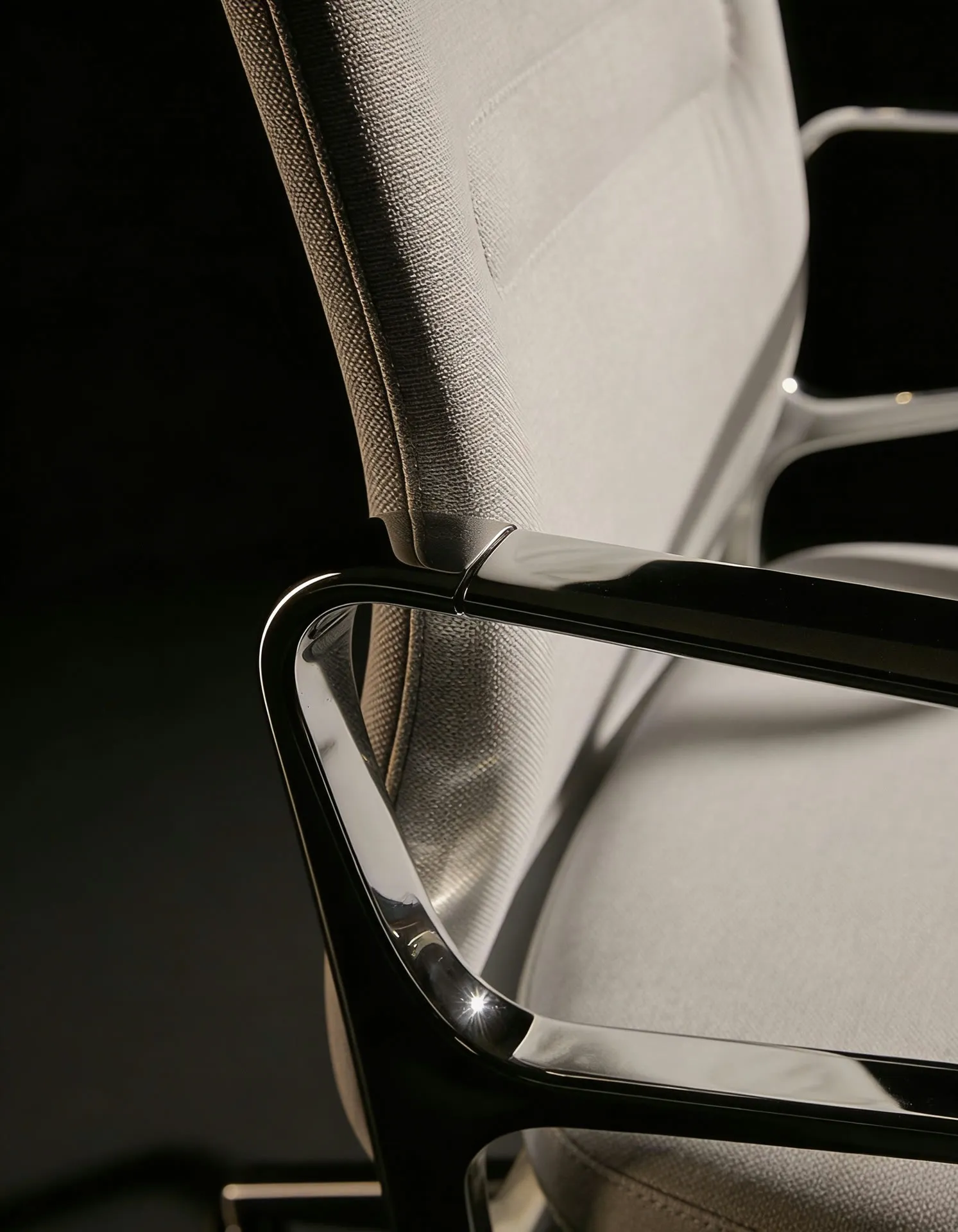
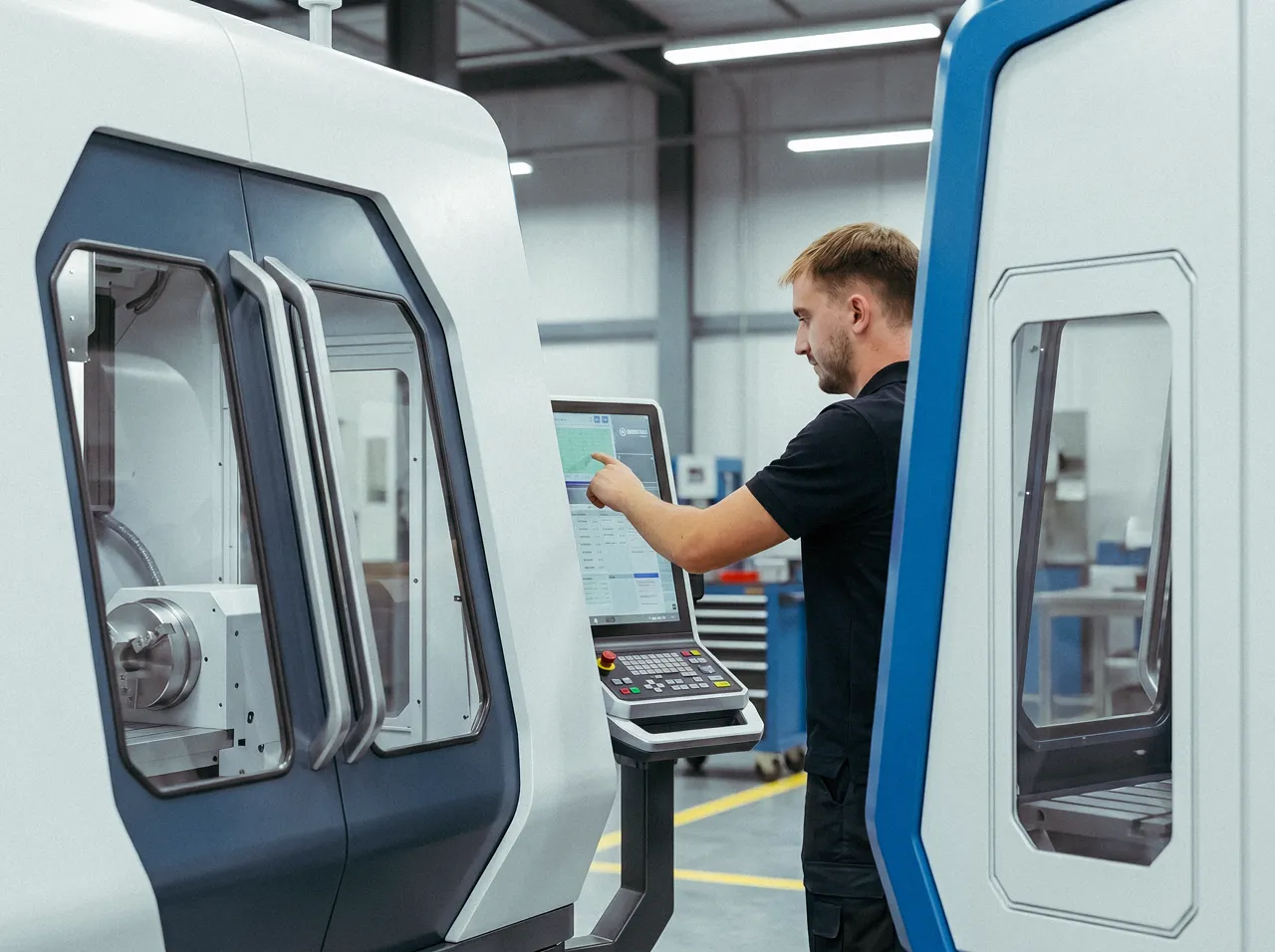
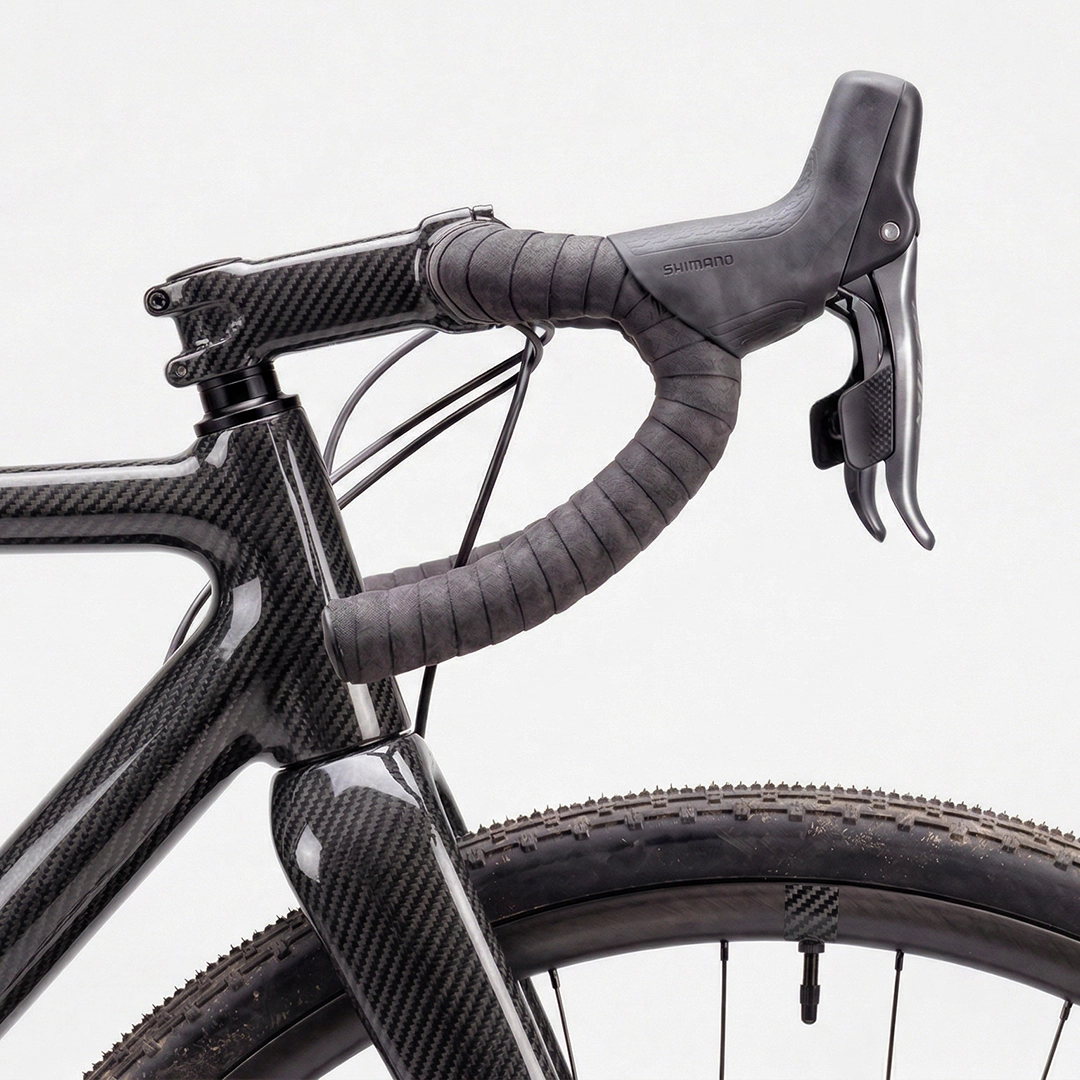
An in-browser AI 3D rendering studio for product designers who need photorealistic visuals in seconds, not twenty minutes.
3,000 credits free · No credit card · Cancel anytime
Workflow
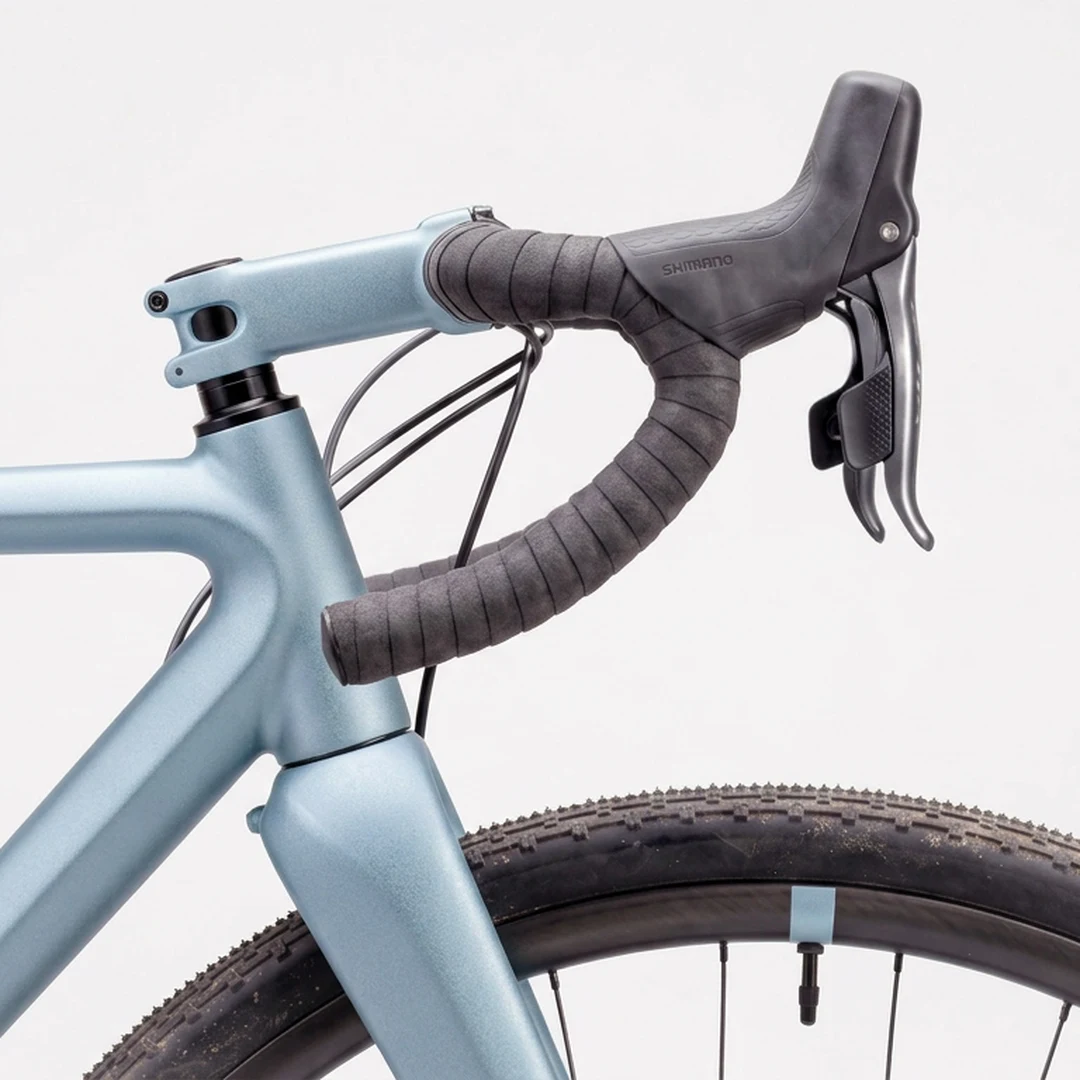
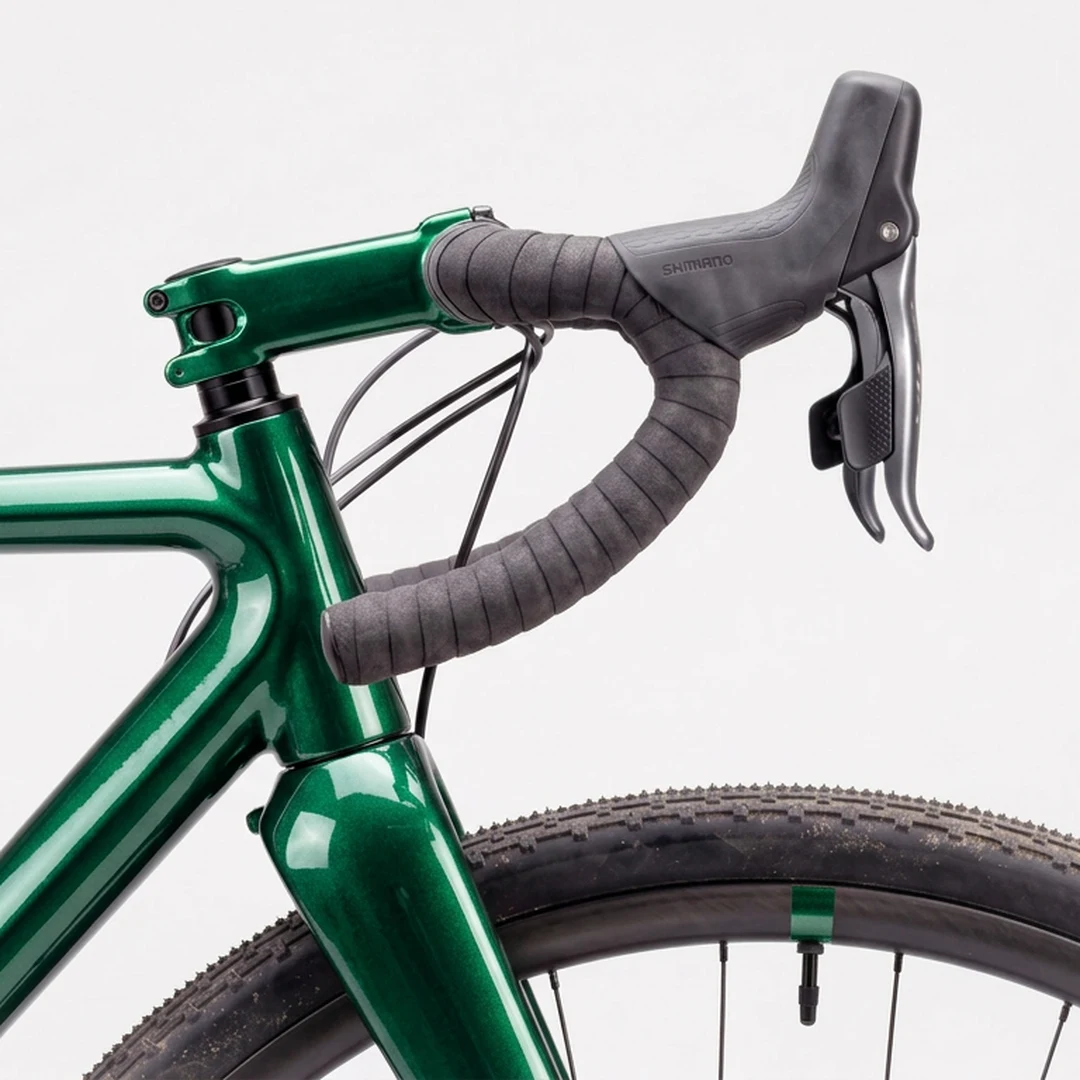
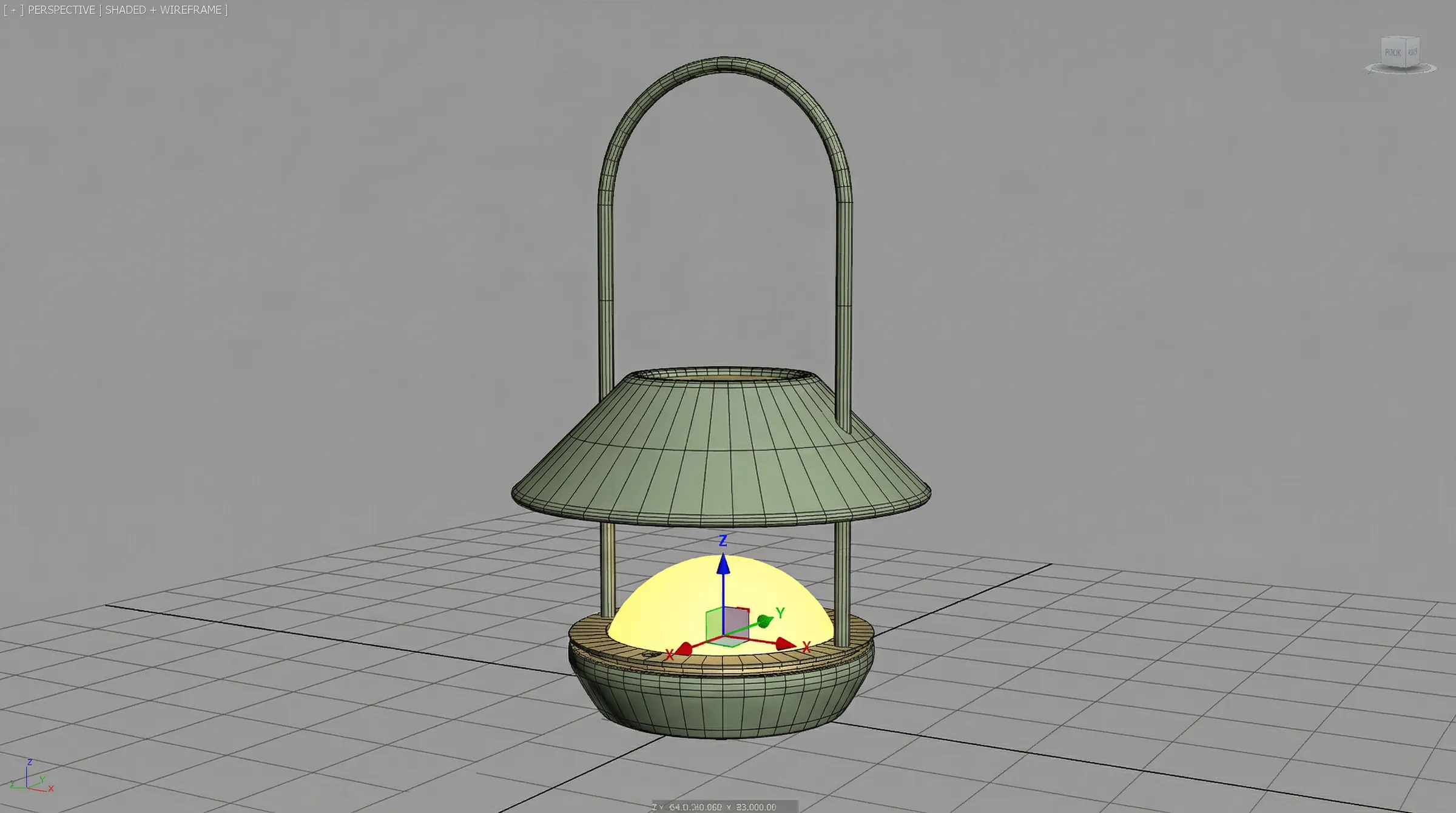
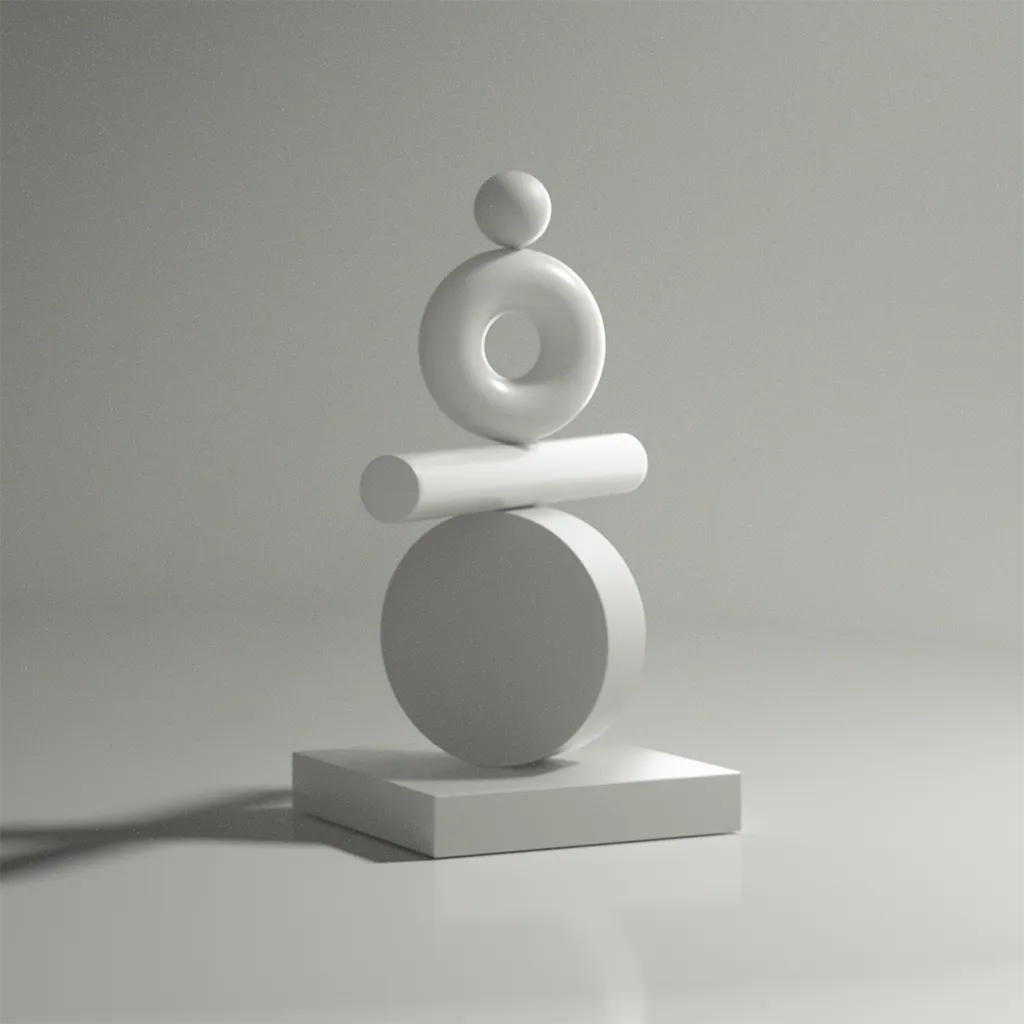
Model in. Render out. Drag to see the difference.
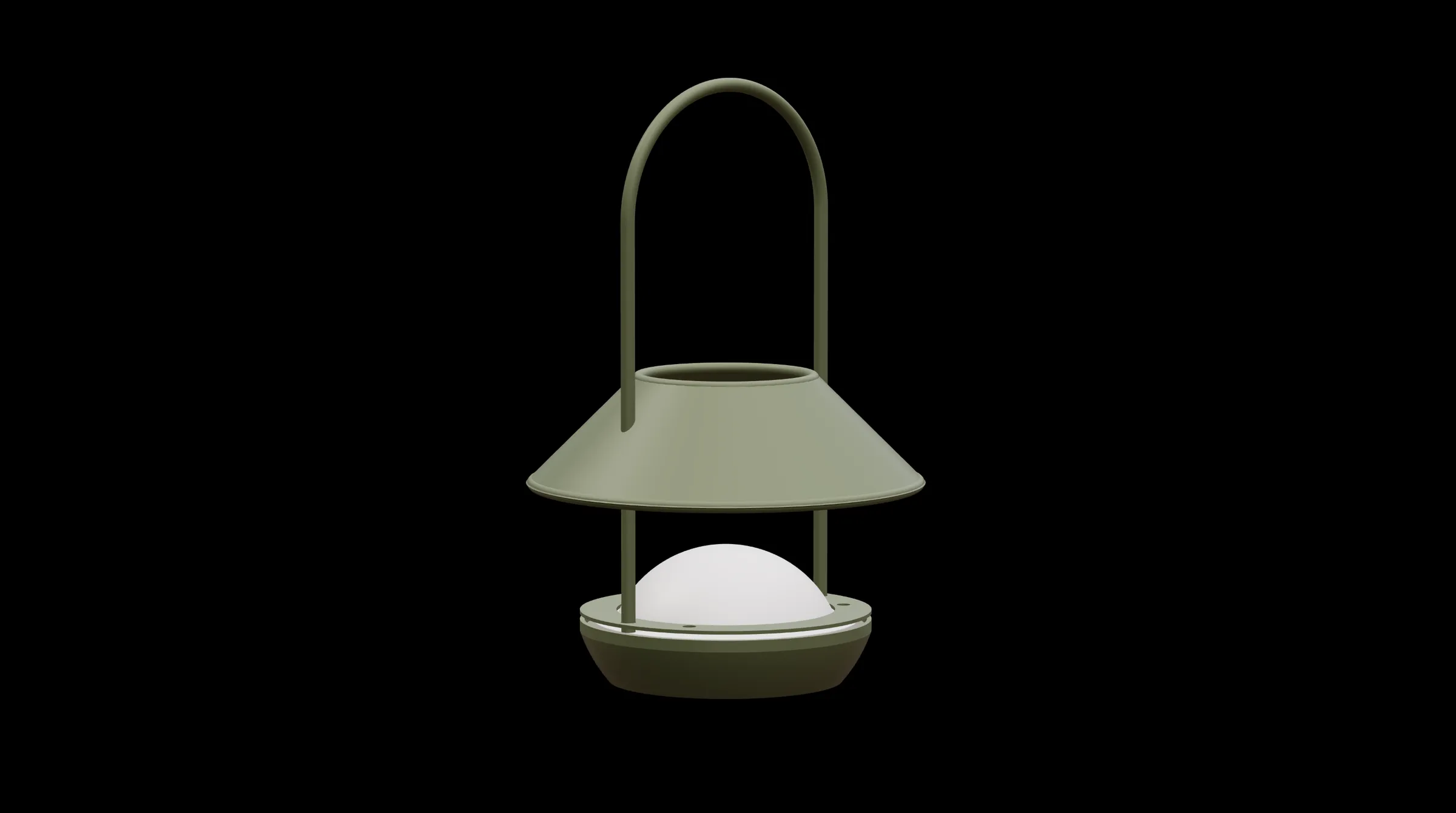
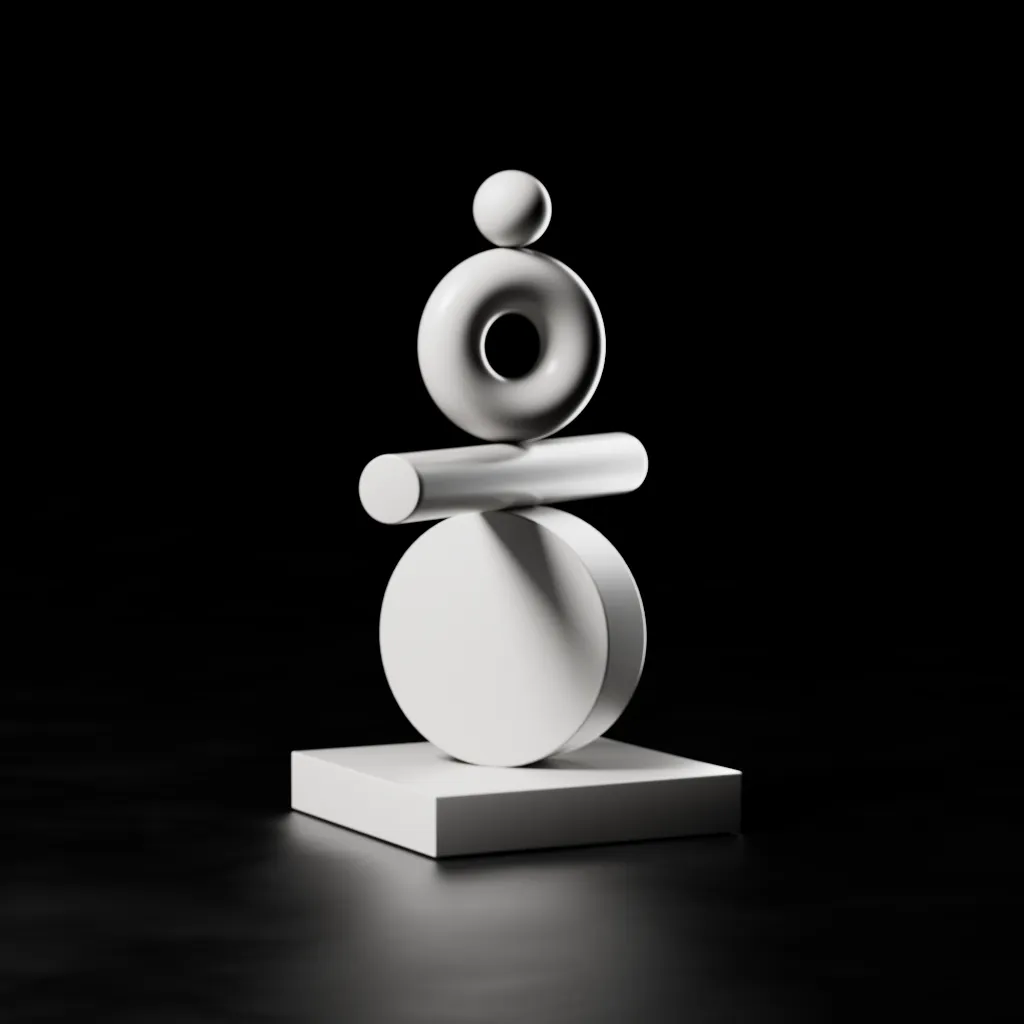
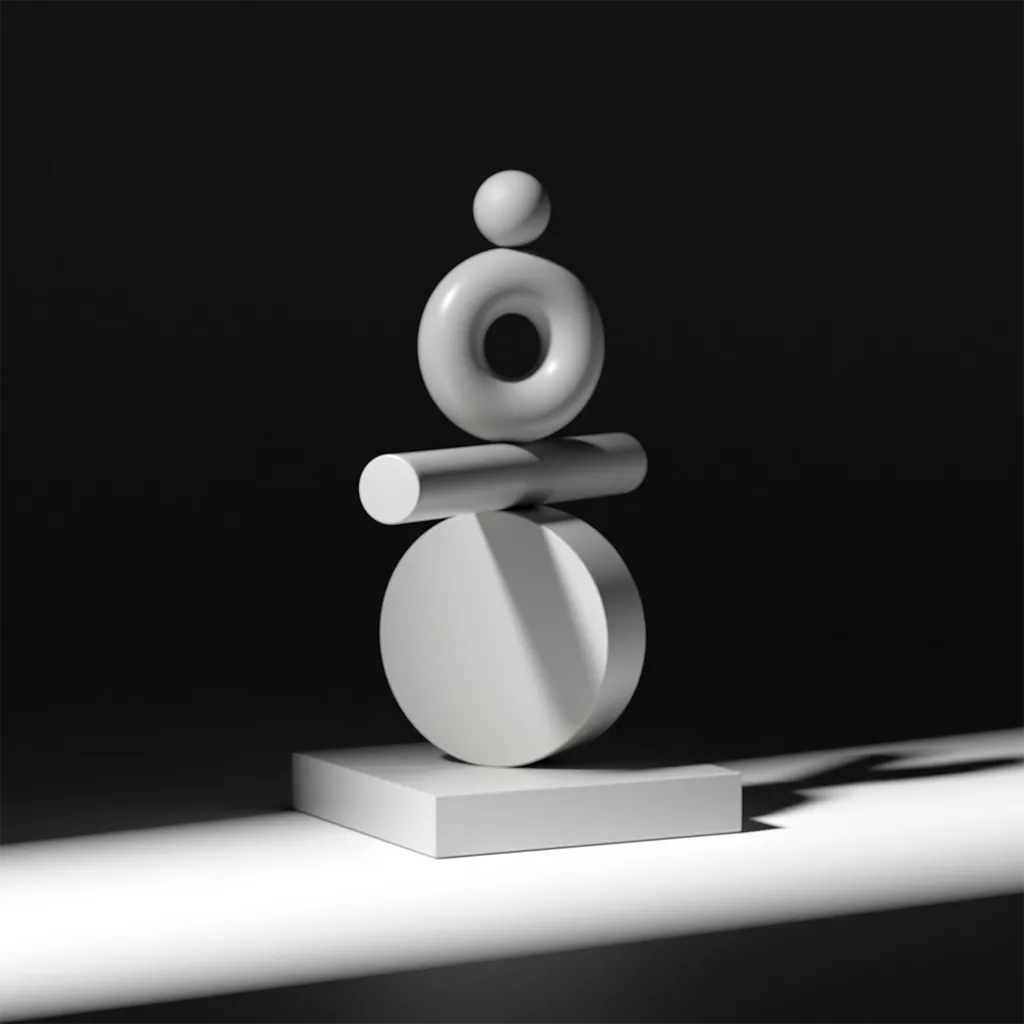
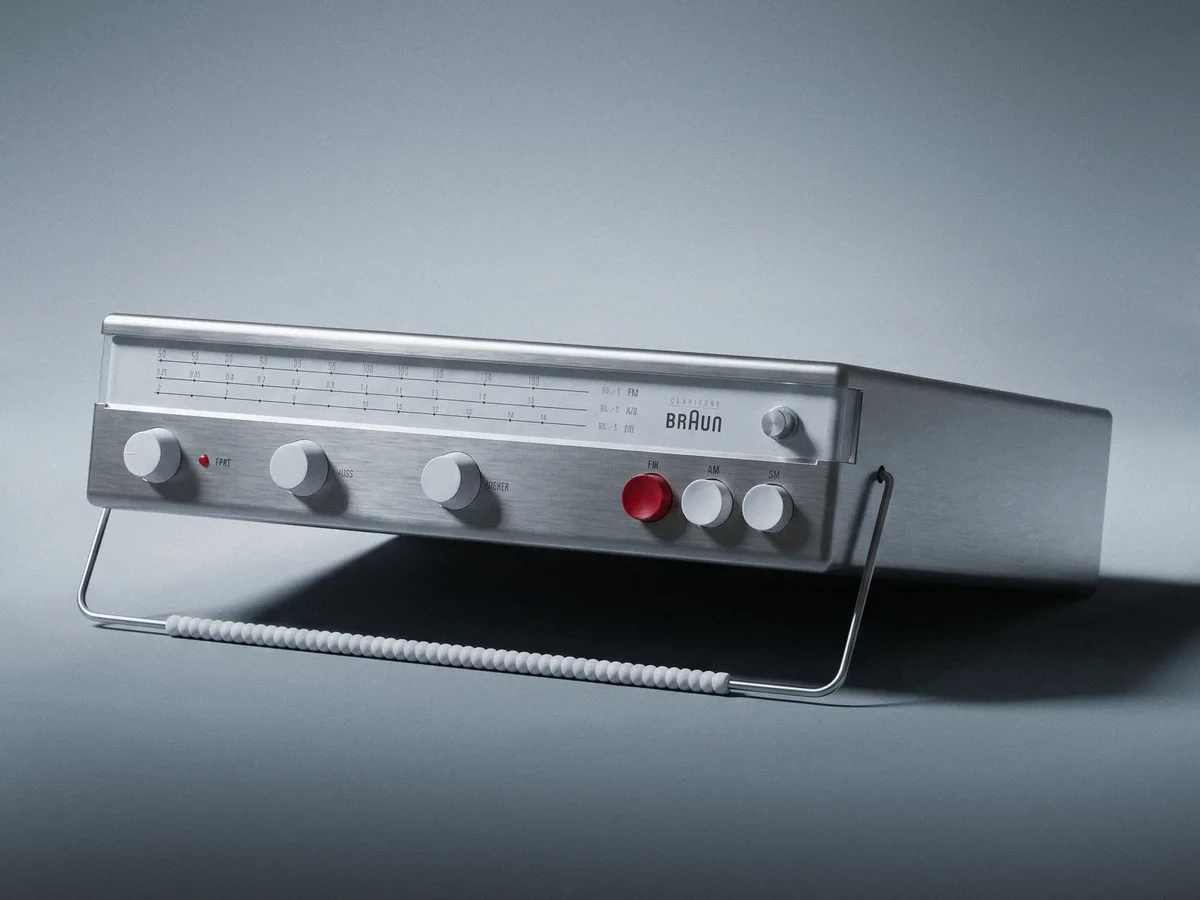
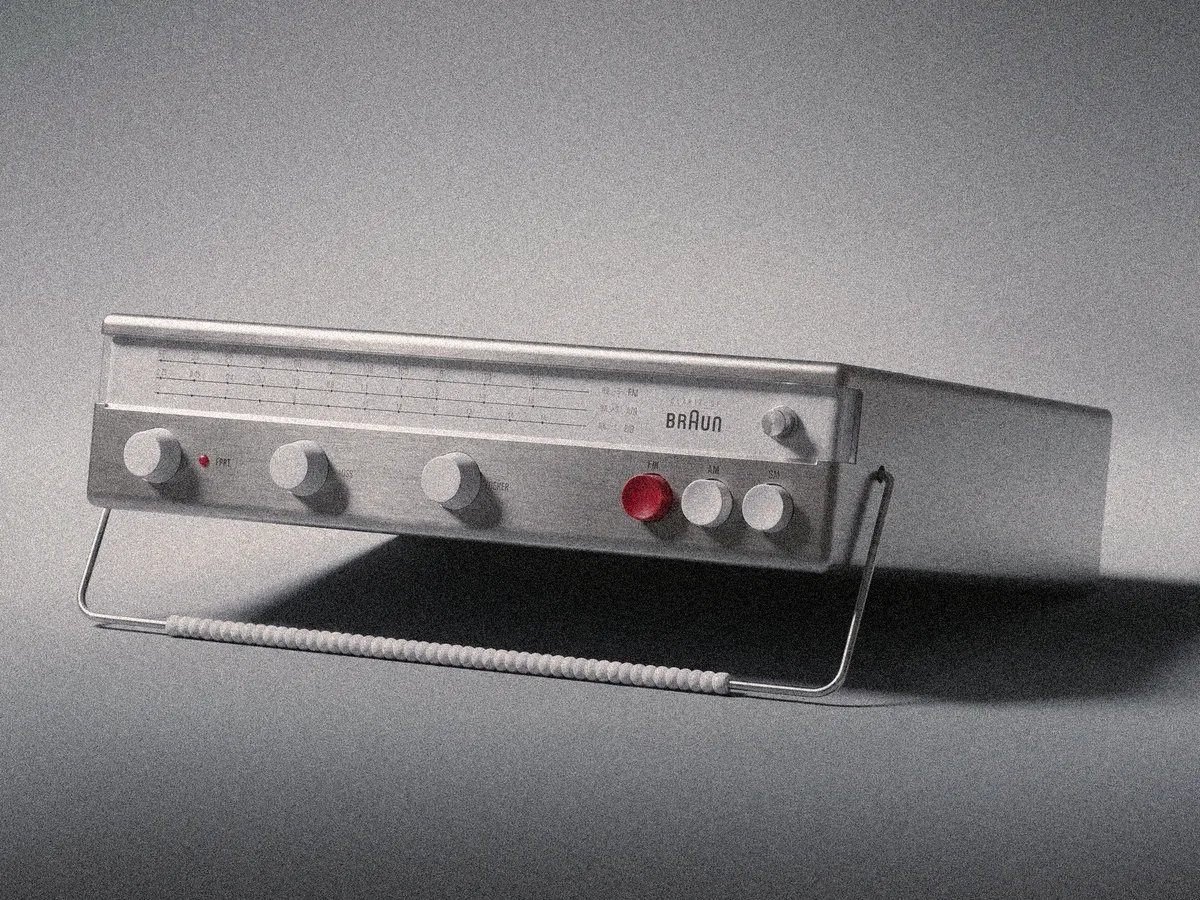
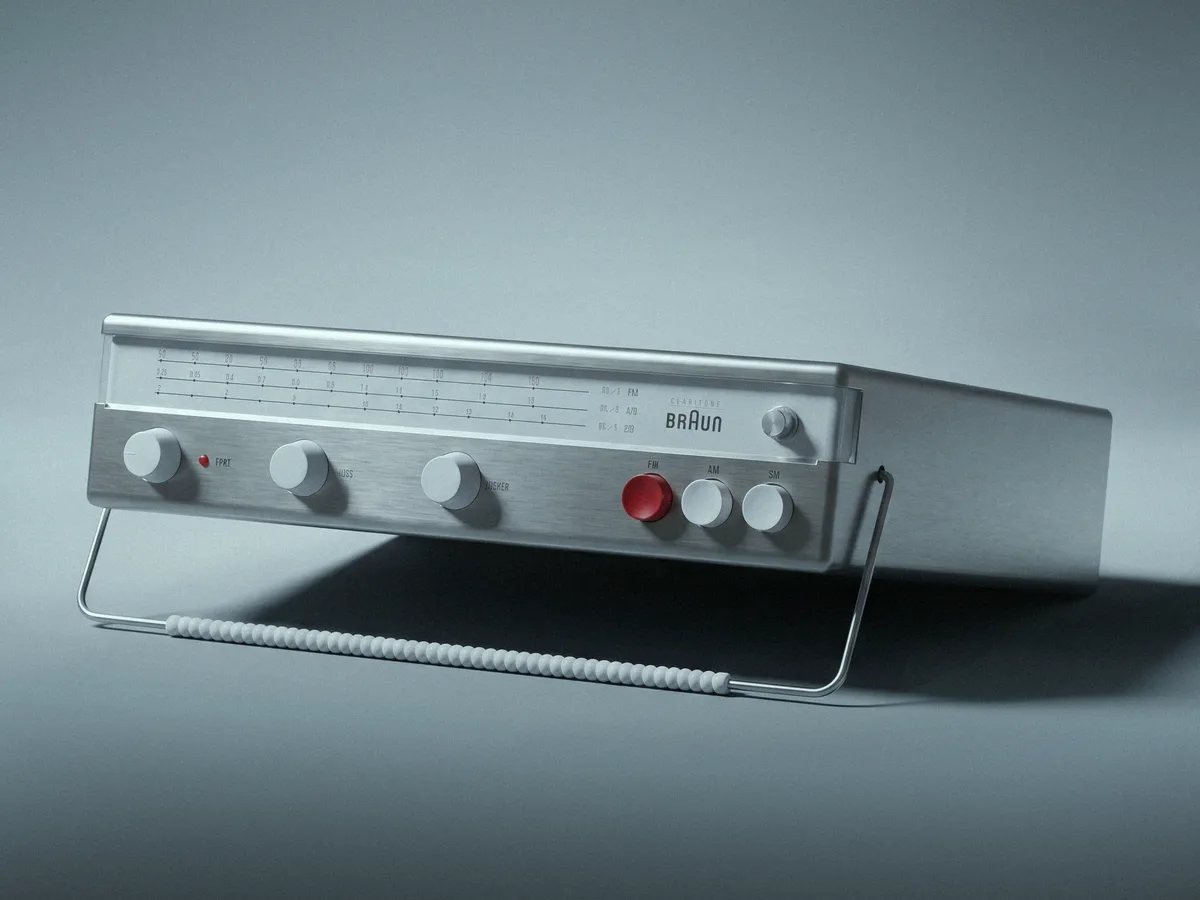
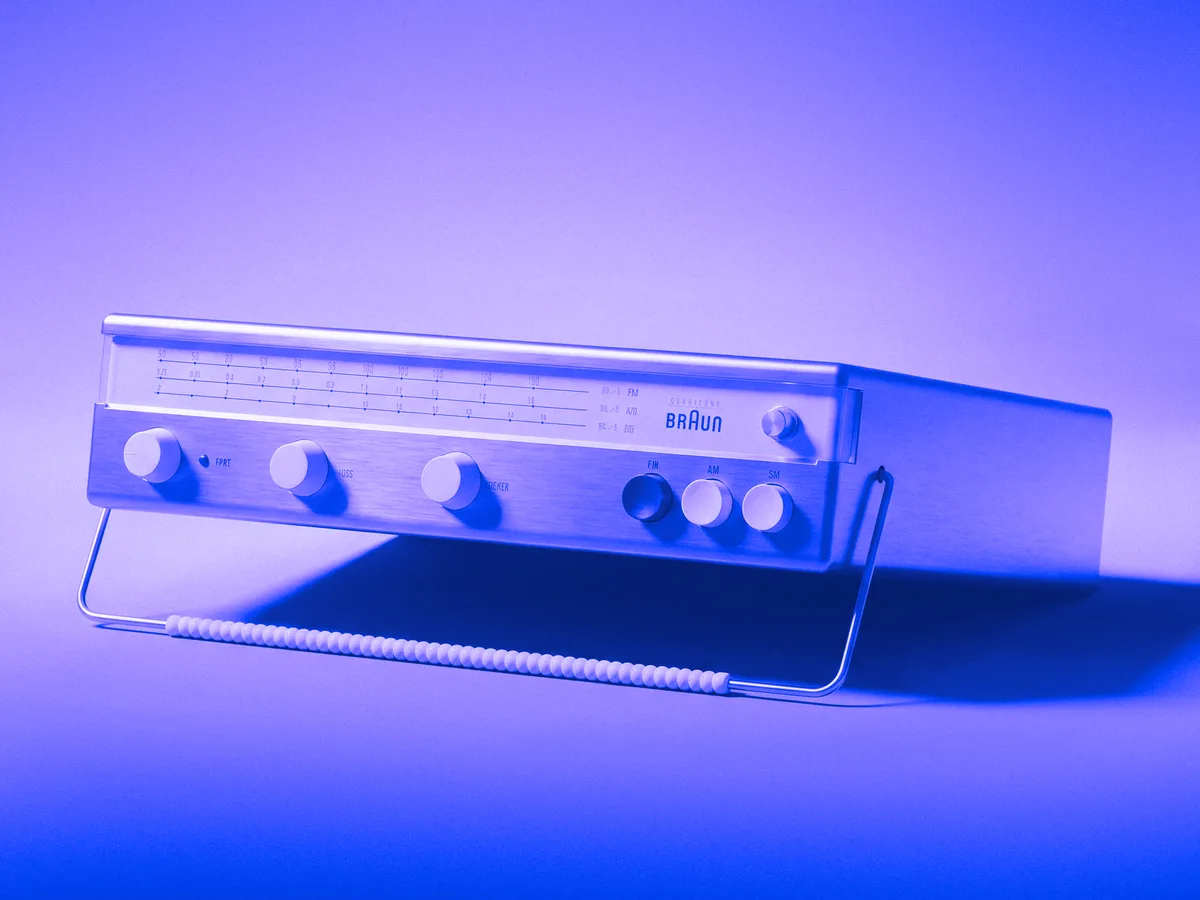
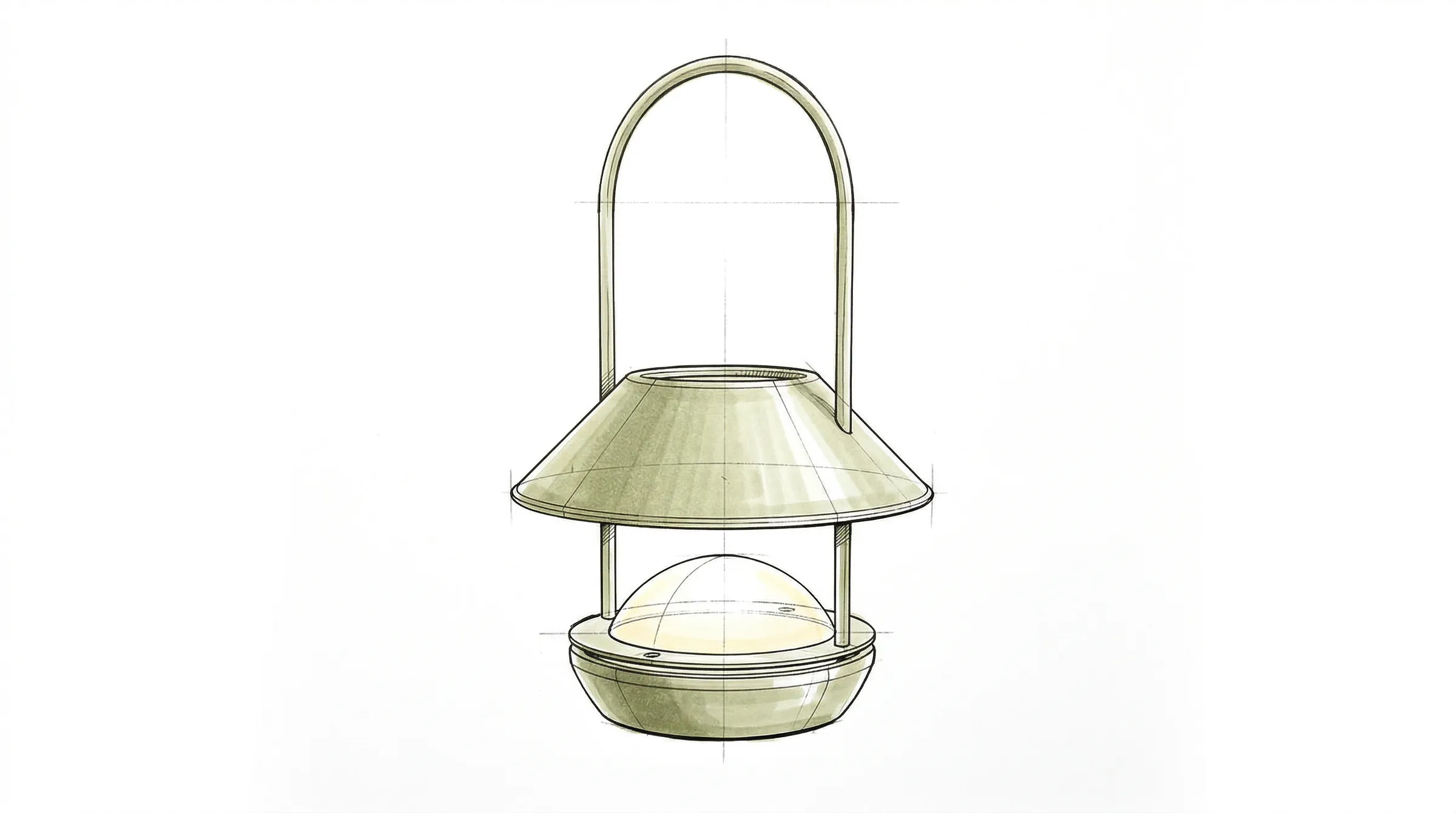
Candela Lamp · Designed by Manex Bilbao Studio
CAD
Neexis
No plugins. No render farm. No overnight queues. Drop your .obj, .fbx, .stl, .stp, or Gaussian Splat file onto a browser tab and the finished image is back in seconds.
3,000 credits free · No credit card · Cancel anytime
How it works
Three steps, one high-impact render.
No install. No render farm. No 200-page manual.
01
Upload your 3D model
Drop any OBJ, GLB, FBX or STEP file.
02
Set the scene
Define materials, style and background from reference images or a text prompt.
03
Render and ship
Hit render. 4K image in under 60 seconds. Export as PNG, PSD with layers or MP4 motion.
Use cases
Designed for your use case.
From a single render to a full catalogue.
Product photography
Marketing & advertising
E-commerce
Industrial design
−40%
fewer returns when shoppers can preview the product in 3D
Shopify ROI on AR report, 2024
78%
of buyers prefer to learn about a product via a short video
Wyzowl Video Marketing Statistics, 2025
−90%
cost vs commissioning a traditional product photoshoot
Outshinery CGI vs photography cost analysis
MaterialCarbon
01Materials
Drag a reference. That's the whole workflow.
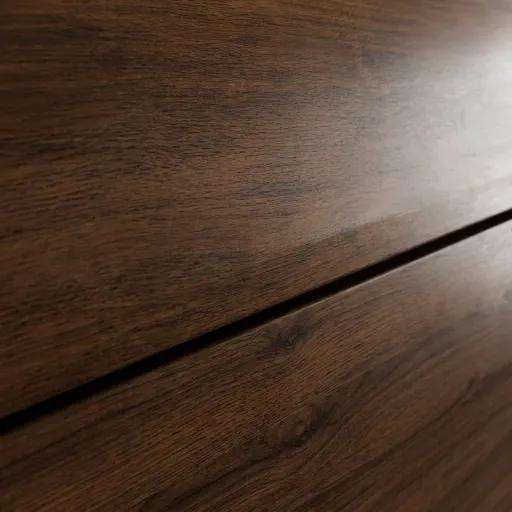
Forget UV maps, textures and complex setups. Drag any image, photo or screenshot onto your geometry and our AI applies the material with the exact finish, instantly. Turn hours of technical work into a few clicks.
promptPhoto of a car in a desert at midday, sand dunes in the background, harsh sunlight, dusty haze
02Background
Perfect environment integration in one click.
Drag a reference image, write a prompt and create studio setups or outdoor scenes with the exact atmosphere you want. The AI automatically blends perspective, lighting and horizon. Say goodbye to manual compositing and make your product fit perfectly from the very first click.
StyleFire
03Style
Define the style of your render in one click.
Use any photograph as a reference. Neexis transfers the mood, colour palette, film grain and colour grading directly onto your geometry, keeping your model's dimensional fidelity intact with millimetre precision.
04Sketch
Freehand art direction.
Draw compositions, silhouettes or notes directly onto the viewport. The AI reads your sketch as a creative command and shapes the render without losing your underlying geometry.
05Security
Your files are yours. Nobody else's.
Your CAD files carry years of R&D. We treat them that way. Every scene is encrypted in transit and at rest, stays inside our infrastructure, and is never shown to anyone, not our team, not our partners, not a training pipeline.
We never use your images for training.
No AI model, ours or third-party, sees your outputs as training data. Not today, not as a future opt-out we forgot to tell you about. Written into the Terms of Service.
We never use your 3D models for training.
The .3dm, .obj, .fbx, .stl and .step files you upload stay in your tenant's isolated storage. They don't leave our EU / US regions and they're not crawled for fine-tuning.
The workflow
Everything you need for product visualization. All in one platform.
Phase
Sketch
0%
Candela Lamp · Designed by Manex Bilbao Studio
Everything a design studio needs, in one tab.
A studio render engine, re-imagined for the browser.
All the power and tools of a professional physical renderer, combined with the AI copilots traditional desktop apps will never have. No installs, no limits.
01
Native compatibility in seconds.
Direct support for GLB, OBJ, FBX, STEP and Gaussian Splat. Just drag your file onto the canvas and start rendering instantly. No intermediate steps, no plugins, no waiting.
02
Total camera control.
Position the camera in 3D space with millimetre precision: focal length in mm, angle and three-dimensional framing. Set the exact point of view right after importing your model.
03
Materials from a prompt or a reference.
Drop a prompt ("brushed titanium, slight patina") or a reference image.
04
Prompt templates for lighting & environments.
Ready-to-use prompt templates that define the lighting, environment and atmosphere of your scene. Apply a complete look in one click, no prompt writing, no LLM.
05
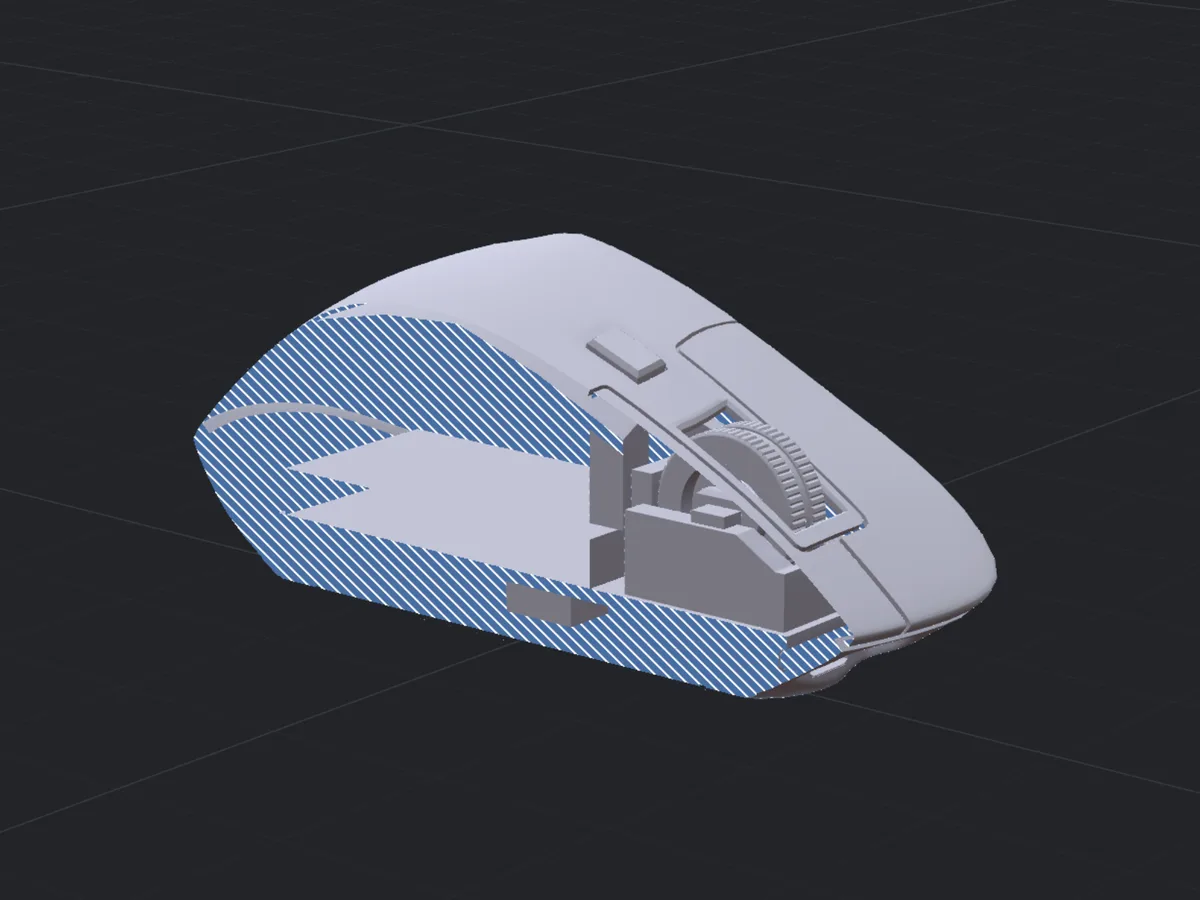
CAD-style cross sections.
Slice any model on X/Y/Z axes in real time. Perfect for engineering reviews and exploded technical renders.
06
Cinematic camera presets.
Anamorphic, vintage 35mm, tilt-shift, golden hour, one click adjusts lens, bokeh, DoF and feeds the AI the right cinematography vocabulary.
07
Cloud-native.
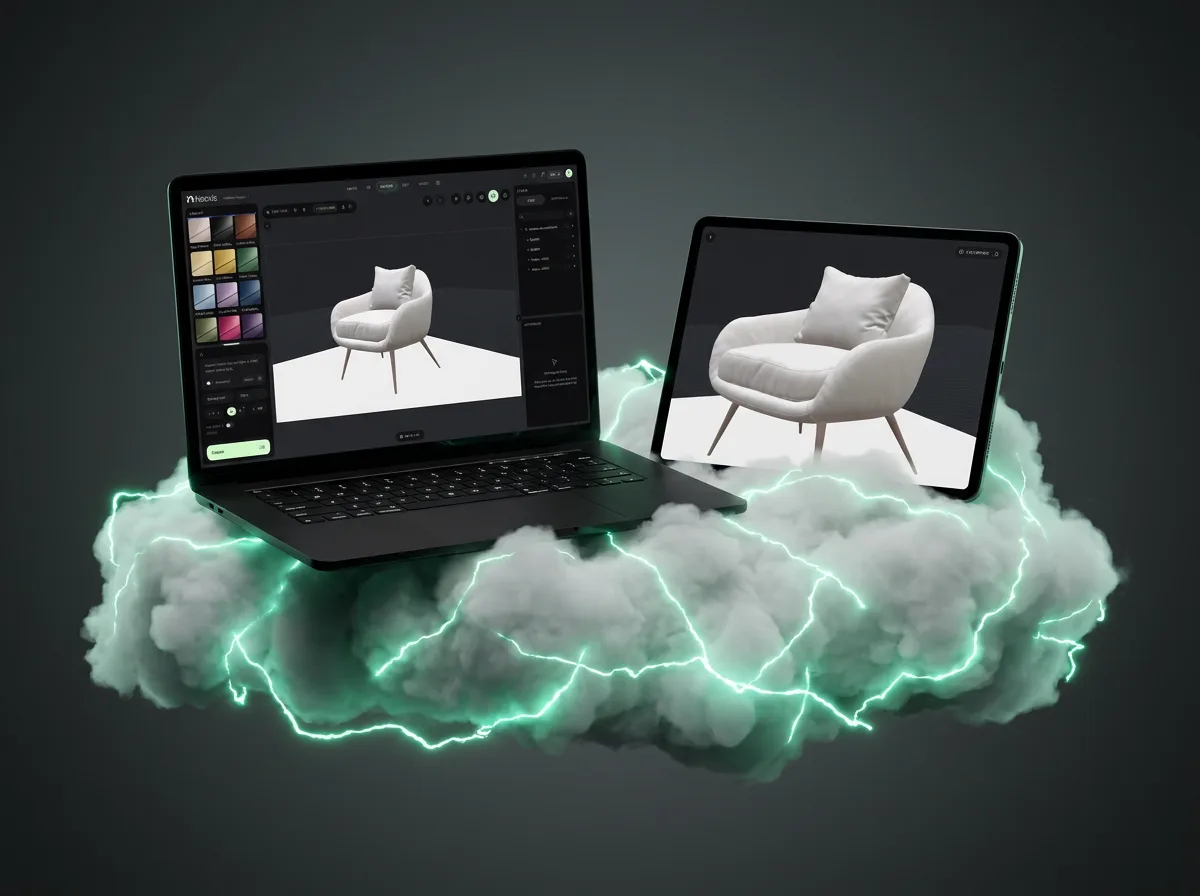
Nothing to install, nothing to configure. Everything runs in the cloud and is ready the moment you open it — on any device, including iPad, wherever you are.
08
Video, frame by frame.
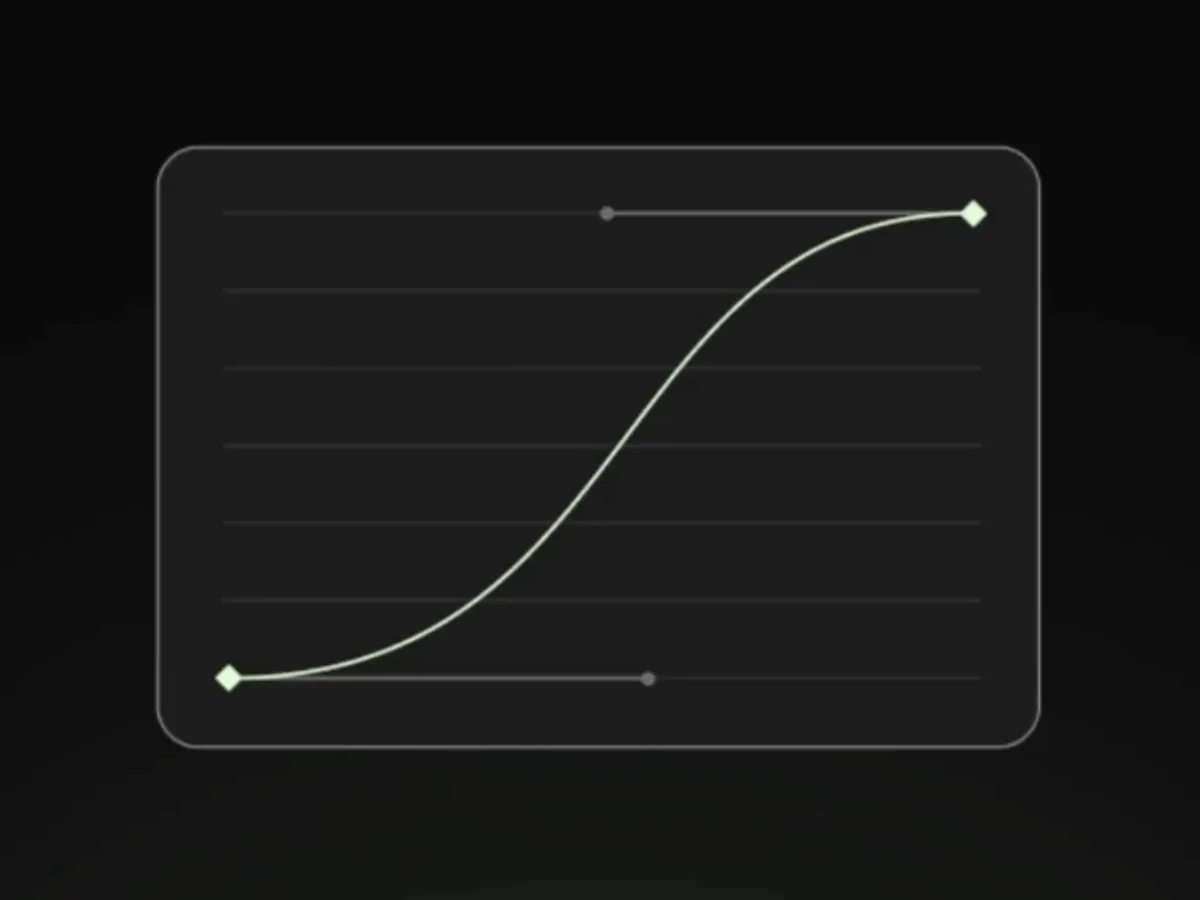
Build your video by setting frames and controlling every single one. Place keyframes and fine-tune each frame for total command over the motion, from the first frame to the last.
3,000 credits free · No credit card · Cancel anytime
Comparison
A different way to render.
With traditional render engines you have to model and texture everything you see by hand: UV maps, materials, endless setups. Neexis is here to change that. Built from scratch for the browser and for AI, less technical overhead, more design, and deliveries in record time.
Neexis Render
Traditional render engines
Nothing to install, runs in the browser
Render in under a minute
Automatic material creation
No UVs required
No need to model or texture the background
Instant learning curve
Pay only for what you use
3,000 credits free · No credit card · Cancel anytime
Portfolio
Real work, created in NeexisRender.
Candela lamp
Iratxe Goñi · Designed by Manex Bilbao
Amber fragrance
Iori Honte, 04.26
Desert roadster
Marco Duarte, 03.26
Headphones on black sand
Aria Nasser, 02.26
Faceted espresso
Sora Kim, 03.26
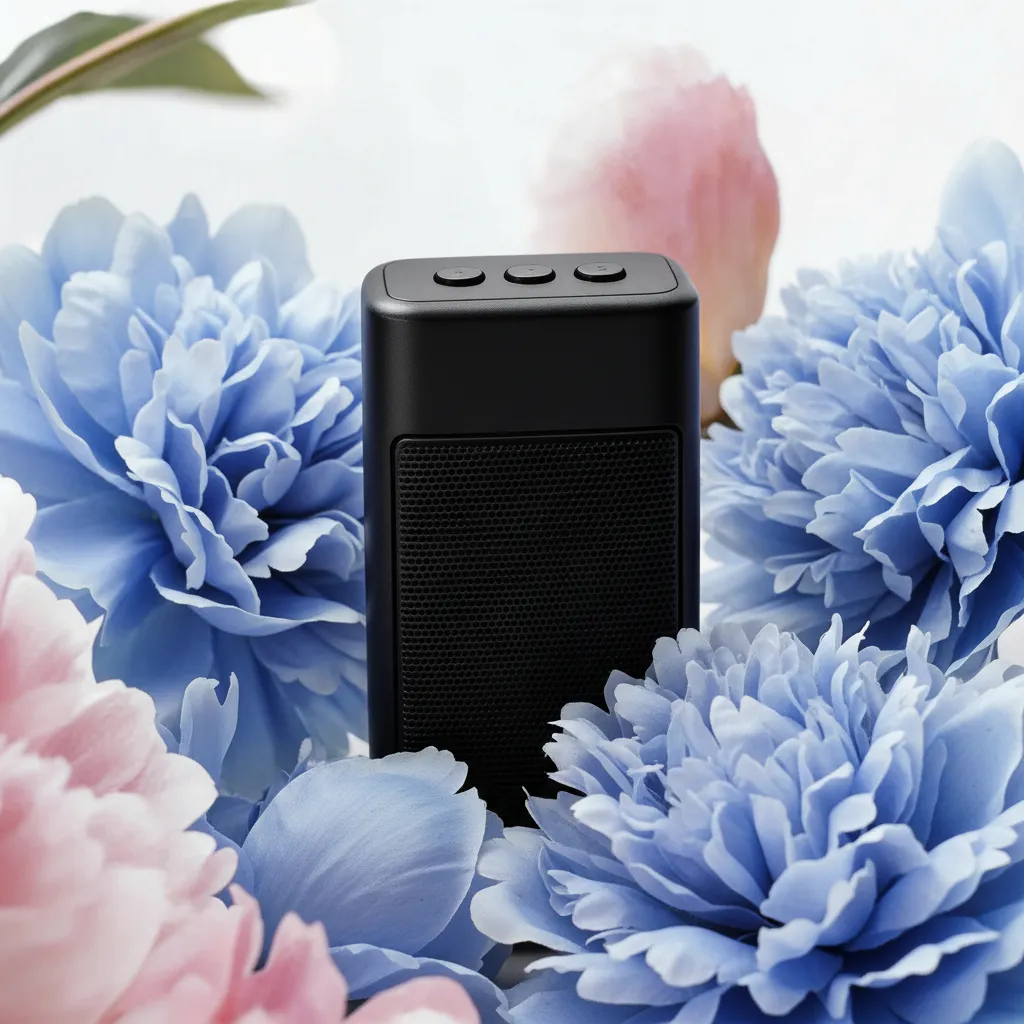
Speaker in bloom
Emma Lindholm, 03.26
Fragrance at dusk
Yasmin Haddad, 03.26
Sports car at night
Daniel Okafor, 03.26
Pricing
Start free, upgrade when it pays for itself.
Every plan includes the full Neexis editor. Higher tiers add credits, resolution and team features.
MonthlyYearlySave up to 60%
Starter
Essential tools to start creating.
€32€13/mo VAT excl.
-59%€156 /year · billed annually
12,800 credits / month
~245 images
~34 renders
~28 3D models
~16 videos
Up to 2K render output
PSD export for renders
Most popular
Pro
For freelance artists & creators.
€68€27/mo VAT excl.
-60%€324 /year · billed annually
34,000 credits / month
~650 images
~94 renders
~74 3D models
~42 videos
Up to 4K render output
PSD export for renders
Ultimate
Max performance for heavy workflows.
€130€52/mo VAT excl.
-60%€624 /year · billed annually
80,000 credits / month
~1,538 images
~222 renders
~174 3D models
~100 videos
Up to 4K render output
Early access to AI features
PSD export for renders
Student licences
For a student licence, get in touch at hello@neexis.ai and we'll set you up.
FAQ
Questions, answered.
What is Neexis?
Neexis is an AI 3D rendering platform that runs entirely in the browser. Upload a 3D model (Rhino, OBJ, GLB, STL, FBX), describe the materials and lighting you want, and get a photorealistic render in under 60 seconds.
Is Neexis an alternative to KeyShot or Vizcom?
Yes. Neexis targets the same product-design workflow but removes the desktop install, the render-farm cost, and the learning curve. Unlike Vizcom (which generates images from sketches), Neexis starts with your actual CAD geometry. Unlike KeyShot (which requires a 6+ GB install and a workstation), Neexis runs in any browser tab.
Do you use my images or 3D models to train AI?
No. Your uploaded 3D files and the images you render are never used for AI training, ours, our partners' or any third party. This is written into the Terms of Service.
How fast is a render?
Median render time is about a minute at 4K resolution.
Is there a trial plan?
Yes. You get 3,000 free credits recharged so you can see the full potential of Neexis.
Do you support Gaussian Splats?
Yes. Neexis imports .ply Gaussian Splat captures and renders them alongside polygonal CAD in the same scene, with correct depth occlusion.
What 3D file formats are supported?
Neexis imports GLB, OBJ, FBX, PLY and STEP (.stp), plus Gaussian Splat captures. Drag the file straight onto the canvas, no exporters or converters required.
Can I use the renders commercially?
Yes. The images you render are yours to use in portfolios, client work, marketing and product launches. There are no per-image licensing fees on paid plans.
Do I need a powerful computer or GPU?
No. All rendering runs on cloud GPUs, so any modern laptop with a browser works. There is nothing to install and no local graphics card required.
Can I export video or animation?
Yes. On paid plans you can export MP4 motion clips.
Can I import cameras from Cinema 4D, Blender, 3ds Max…?
Yes. You can import cameras by exporting them in FBX format from your traditional 3D program (Cinema 4D, Blender, 3ds Max, etc.).
Free to start. No credit card. Imports any 3D file. Works on any machine with a browser.
Newsletter
Join the render queue.
Get a monthly email with exclusive new features, advanced lighting and material tips, and stories from the designers of the month. Zero spam, unsubscribe in one click. No waiting times.